
Resources
Guides for every page of Onevo.
Step by step, for everyone in a club on Onevo: the coach on deck, the club’s board, swimmers and parents. Each guide shows where a page is, what it holds and how to get the job done.
Sign in and every guide opens inside the app, from the help on each page. Not on Onevo yet? Apply with your club.
Getting started
The first week, and the two things every coach meets on day one: how to write a practice and how zones work.
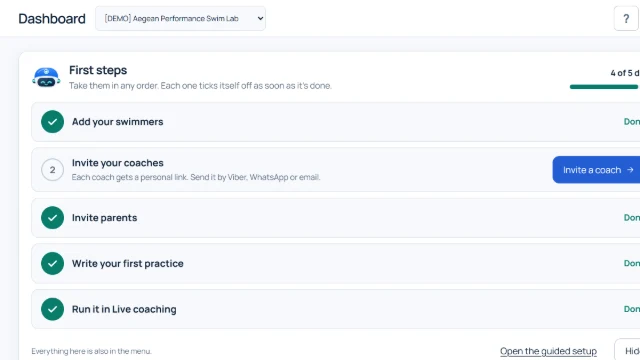
From paper to phone: your first week with Onevo
For a club starting on Onevo: you do not need to change everything in a day. This is the order we suggest for the first week, from a register in Excel and a practice on paper to the same practice on every swimmer's phone.
Read it in Onevo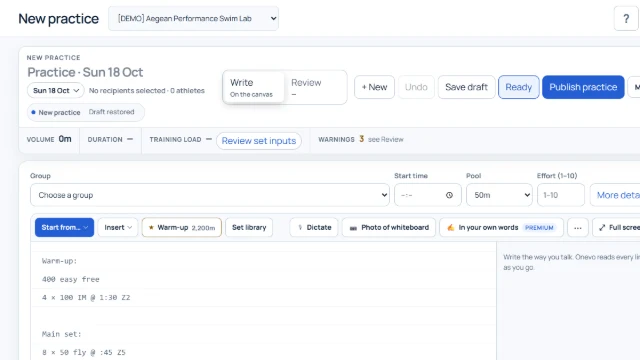
Practice notation, the way you already write it
For coaches: there is no new language to learn. Onevo reads a practice the way coaches already write it, and this guide shows, rule by rule, what it understands from every line.
Read it in Onevo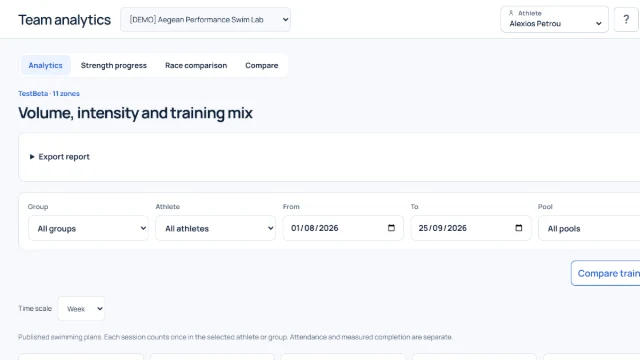
Training zones: six levels, in your club's own words
For coaches: every metre you write is counted in one of six zones, so you can see the week, the month and the season zone by zone. This guide shows how zones are read, how the club sets their paces and how each swimmer gets their own.
Read it in OnevoFor coaches
One guide for each coaching page, from the morning dashboard to the live session, the planner and the athlete’s file.
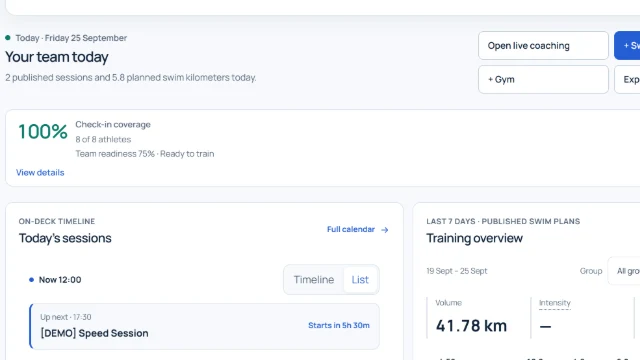
Dashboard: the coach's day at a glance
For coaches and club staff: the first page you see, with today's practices, who has checked in, what needs a look and today's register, all on one screen.
Read it in Onevo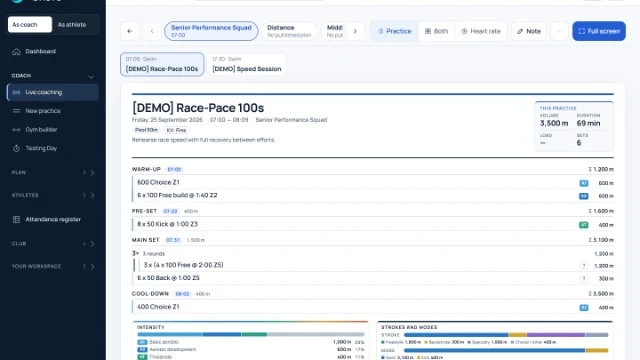
Live coaching: the practice on deck, on a tablet or phone
For the coach on the poolside: the group's whole practice in front of you, the groups along the top, the register at the foot, and a note with times for any swimmers you choose.
Read it in Onevo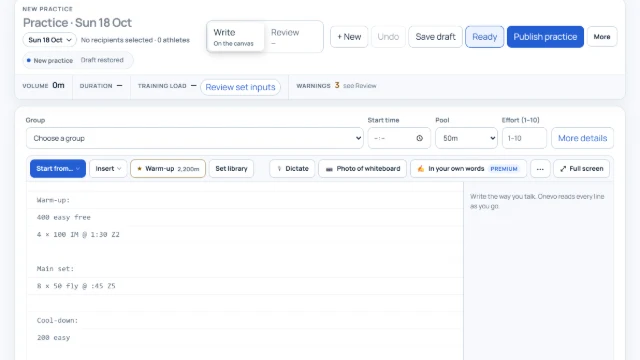
New practice: write, review and publish the practice
For coaches: write the swim practice the way you would on the board. Onevo reads it line by line, shows the metres, zones and time, and sends it to the group's swimmers or to paper.
Read it in Onevo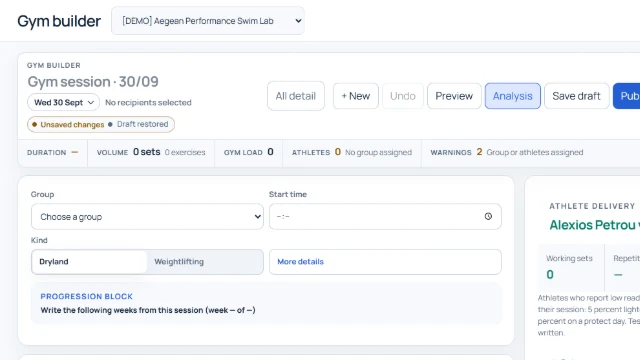
Gym builder: dryland and weights sessions
For coaches: build the gym or dryland session block by block, or write one exercise per line, with loads that follow each swimmer's tested max.
Read it in Onevo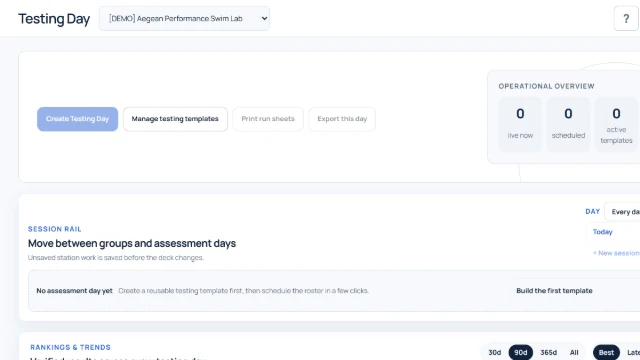
Testing day: group tests, station by station
For the coach running a day of tests: build templates from the club's protocols, set up the day for a group, enter results station by station, and publish the valid ones to Athlete 360.
Read it in Onevo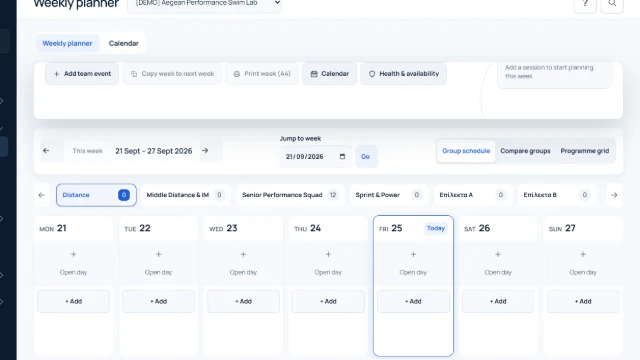
Weekly planner: every group's week on one page
For coaches and staff: set up each group's week, copy it into the next one, see your colleagues' drafts and publish to swimmers in one go. The Calendar tab shows the month and the year's competitions.
Read it in Onevo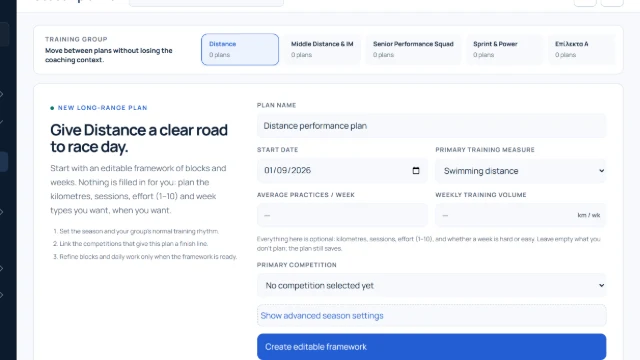
Season planner: your group's road to the main meet
For coaches who want to see a group's whole season: seasons, blocks, weeks and days, the target meets and the taper leading into them. The plan stays private to the club's staff and never publishes a practice by itself.
Read it in Onevo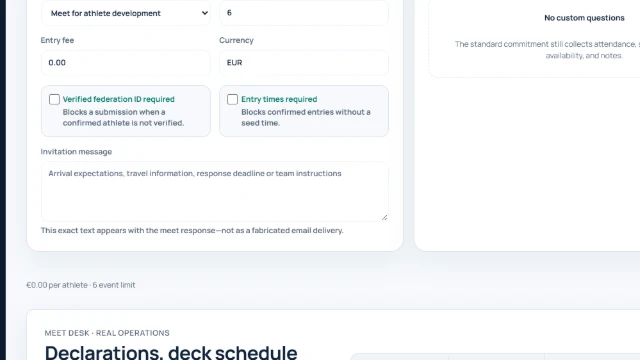
Meets: from the invitation to the official result
For coaches and swimmers: coaches prepare the meet, declarations, entries, relays and results on one page, and swimmers see their own events and the race-day briefing.
Read it in Onevo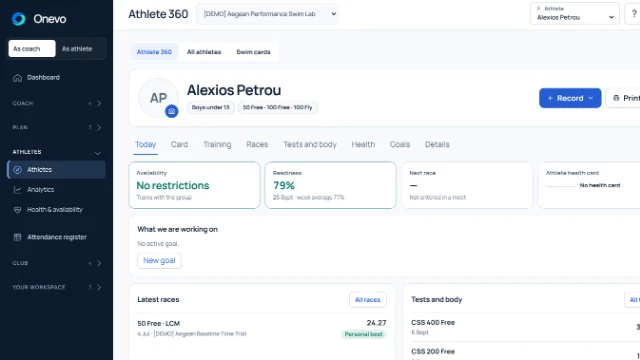
Athlete 360: each swimmer's file, the list and the swim cards
For coaches and club leaders: each swimmer's whole file on one page, the list of every swimmer with their groups, and the swim cards. This is also where you invite swimmers and parents.
Read it in Onevo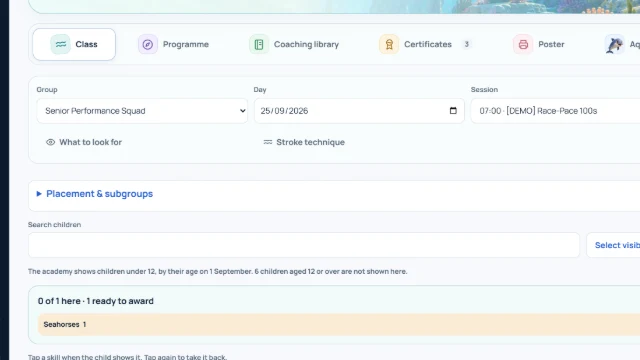
Academy: levels, skills and certificates for young swimmers
For learn-to-swim coaches: tick what each child shows in every lesson, award levels and print certificates, while families follow the progress as a journey through the sea.
Read it in Onevo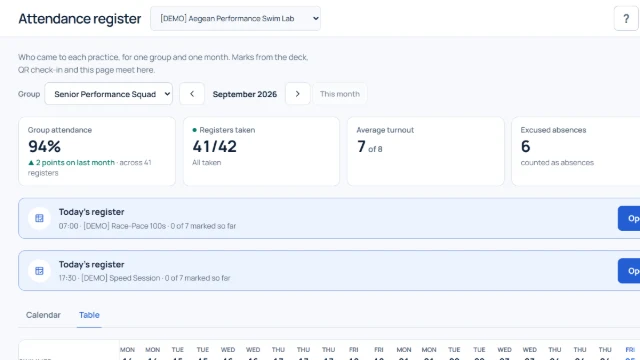
Attendance register: who came to each practice, by group and month
For coaches and staff: one group's register for one month, as a calendar or a table. Marks from Live coaching, QR check-in and this page all meet here, and this is where you fill in anything left open.
Read it in Onevo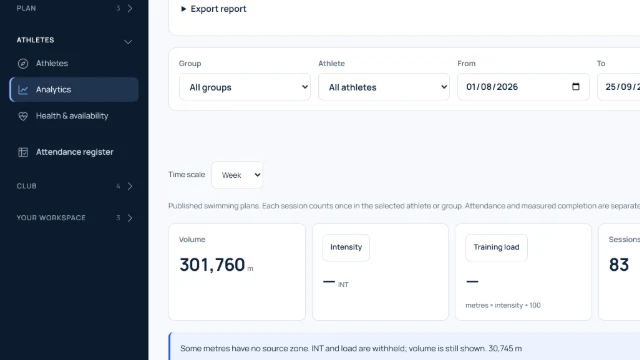
Analytics: training, strength and races in numbers
For coaches and club staff: see the volume, intensity and mix of your training, progress in the gym, races from two periods, and two training selections side by side.
Read it in Onevo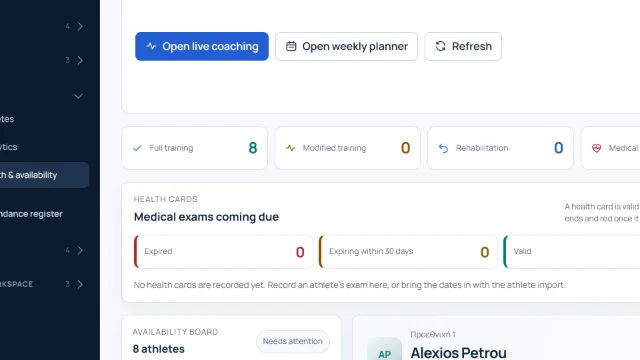
Health & availability: who trains today, and how
For the club's coaches and staff: one page that shows who is on full training, who needs changes, whose health card is running out and what swimmers reported today, without opening anyone's medical details unless they have given permission.
Read it in Onevo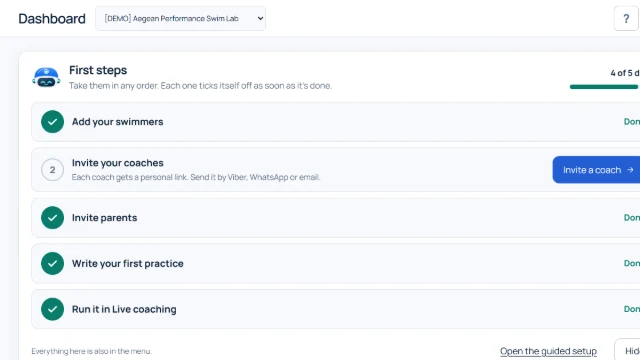
Nevo, the Onevo assistant: questions about training and the app
For coaches, club staff and the club office: Nevo answers questions about training and about how Onevo works, writes practices you can put into New practice, and takes you to the right screen.
Read it in OnevoFor the club’s board
Setting the club up, members and fees, data and exports, and how the club talks to its people.
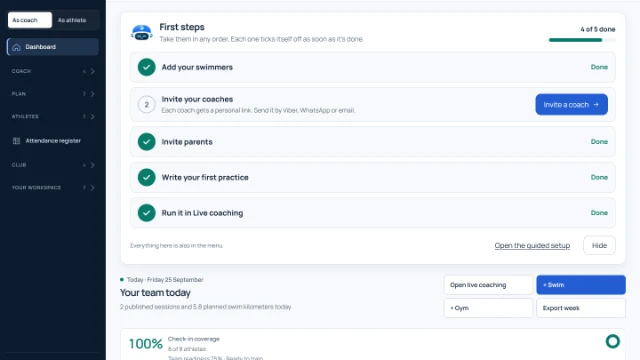
Club setup: your register, invitations and first steps
For club leaders and coaches starting out on Onevo: bring in your register from Excel, send every swimmer their own code, and see who has already joined.
Read it in Onevo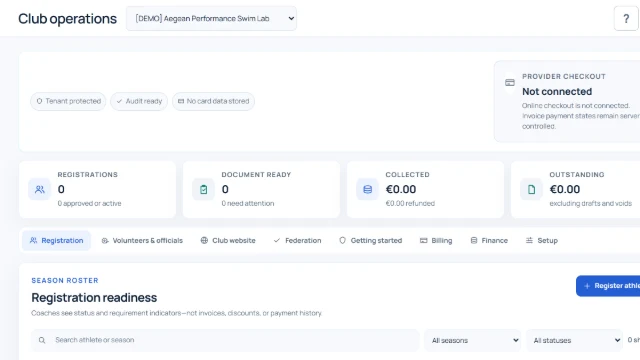
Club operations: registrations, fees, invoices and receipts
For club leaders, coaches and the finance team: run the season's registrations and documents, the month's fees, invoices, receipts, meet charges and volunteers in one place. Each person sees only what their role allows.
Read it in Onevo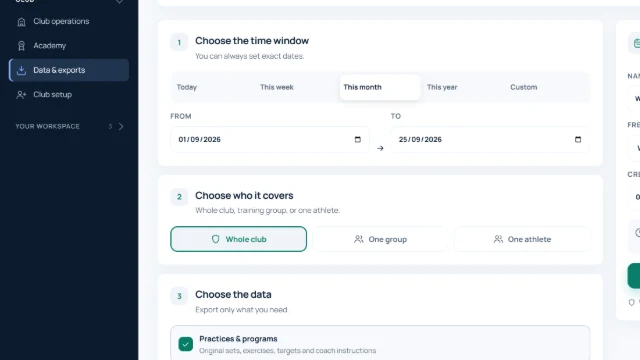
Data & exports: your club's records, in your hands
For club staff: download practices, the list of swimmers, attendance, practice results and readiness check-ins as Excel, PDF or JSON, and set up an automatic archive. Owners and admins also answer families' requests about their data here.
Read it in Onevo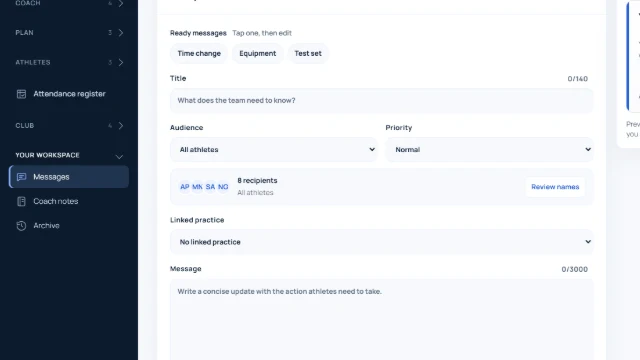
Messages, coach notes and the practice archive
For coaches: send announcements to your groups, talk with each swimmer and their family, keep your own notes and find any past practice. At the end there is a short tour of your account settings.
Read it in OnevoFor swimmers
Your practice, your schedule and your progress, on your phone.
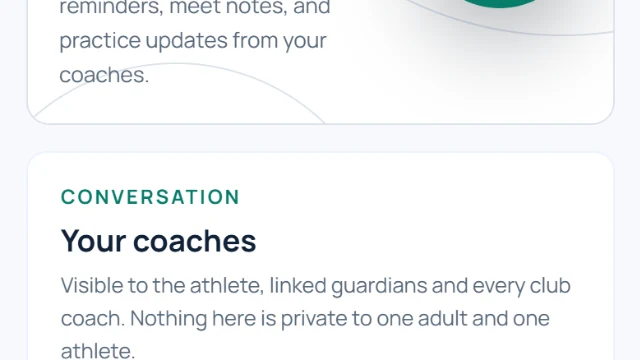
Your day in Onevo: Today, schedule, training and messages
For swimmers: how to see the day's practice, tell your coach how you feel before and after it, let them know when you can't come, and talk to your coaches.
Read it in Onevo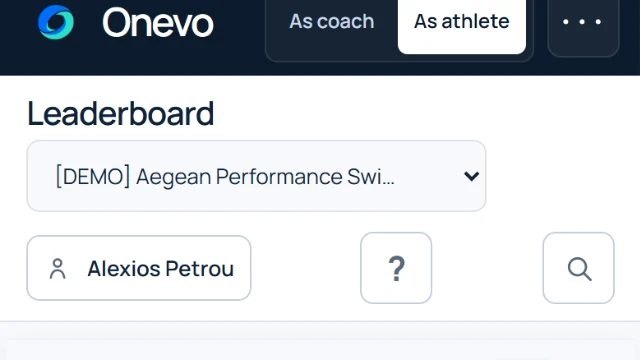
Your progress: Progress, Athlete 360, Leaderboard, profile and devices
For swimmers: see what you swam, your card and your races, and the leaderboard with its privacy rules, and control your health data and your devices.
Read it in OnevoFor parents
Your child’s day, the club’s messages and what is owed, in one place.
JOIN THE BETA
Your next session.Our next improvement.
Apply with your club, test Onevo in training, and help shape what comes next. Selected clubs get their first month free.